How to order.
If you do not already have an account please go to sharedfaciliites.stanford.edu and
click on the sign-up button in the upper right corner. Register with your Sunet ID
(if you do not have one please contact us first). Once registered you will need to select your lab and confirm your contact information. Your PI or department administrator will be notified that they need to confirm your membership and assign you a PTA so that you can place orders.
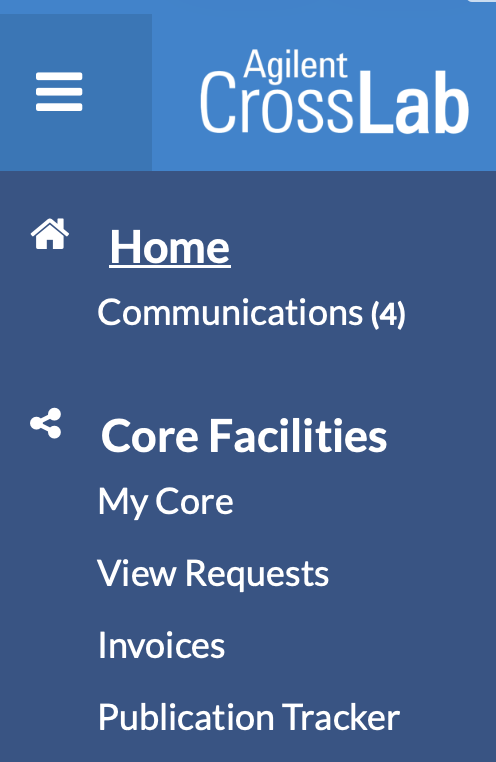
Once you are set-up you can click on the "Order Food" option above or go to sharedfacilities.stanford.edu and log-in as needed. If you only have access to the Fly Media Facility you should be taken directly to our order page. If you have access to more then one service center you can find us under the "Core Facilities" option of the three bar menu in the upper left corner.